

Hyundai SmartSense Explained: What Each Safety Feature Does
A chime goes off, a light flashes in the side mirror, and the steering wheel nudges you back into your lane. If you’ve driven a recent Hyundai, you’ve met Hyundai SmartSense, the brand’s collection of driver assistance and safety technology. The acronyms can be confusing, though, and not every feature works the same way or comes on every trim. This guide from Watson Family Hyundai explains what each SmartSense feature does in plain English, so you know what your Hyundai is doing and which features to look for on your next one.
What Hyundai SmartSense Is
SmartSense isn’t one feature. It’s Hyundai’s name for a group of systems that use front cameras, radar, ultrasonic sensors, and in some cases a driver-facing camera to help you avoid collisions, stay in your lane, and park safely. Hyundai groups them into four areas: driving safety, driving convenience, parking safety, and parking convenience.
Several features share the same front camera and radar, so keeping those sensors clear matters for all of them. Two things are worth knowing up front:
- Many features are labeled by Hyundai as available on select vehicles, so the exact list depends on the model and trim.
- These systems assist you. They don’t replace your attention, and they can’t prevent every collision.
If you’re shopping for a family vehicle, comparing trims on our Hyundai SUVs and crossovers is the fastest way to see which SmartSense features each version includes.
Features That Help Prevent Collisions
These are the systems working in the background on every drive:
- Forward Collision-Avoidance Assist with Pedestrian Detection warns you of a possible collision with a vehicle or pedestrian ahead and may apply automatic braking if you don’t stop in time.
- Blind-Spot Collision-Avoidance Assist alerts you to vehicles in your blind spot when you signal and may brake to prevent an unsafe lane change.
- Blind-Spot View Monitor shows a live camera view of the next lane in the instrument display when you use the turn signal.
- Rear Cross-Traffic Collision-Avoidance Assist warns of traffic approaching from the left or right while you back up and may apply light braking.
- Reverse Parking Collision-Avoidance Assist gives an audio warning and may brake when you’re backing into a space.
Each system warns first and steps in second. In most cases you’ll hear or see an alert before the vehicle brakes or steers, which gives you the chance to react on your own.
The best way to understand these alerts is to feel them. When you schedule a Hyundai test drive, ask us to show you the warnings in a safe setting before you leave the lot.
Features That Help on the Highway
Staying in your lane
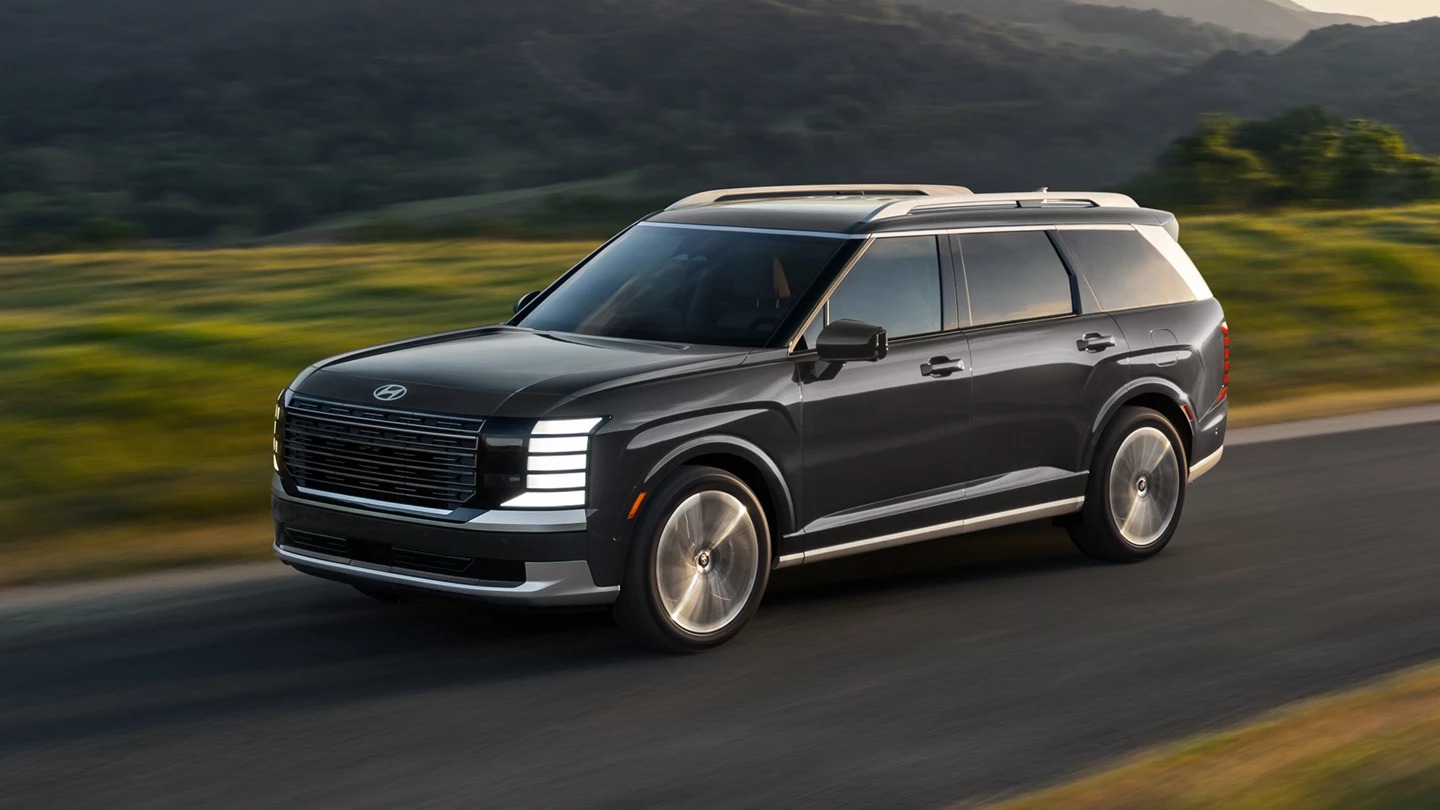
Lane Keeping Assist warns you with sounds and visual cues if you drift out of your lane without signaling and may gently steer you back. Lane Following Assist goes a step further and uses the front camera to help keep the vehicle centered.
Managing speed and distance
Smart Cruise Control with Stop and Go keeps a set distance from the car ahead, including stopping and restarting in traffic. Highway Driving Assist combines speed and distance control with lane centering, including through curves. Highway Driving Assist 2 adds help with lane changes. These features are designed for highway use, so on a busy stretch of I-80 they ease the workload, while on side streets you’ll lean on them less.
Staying alert
- Driver Attention Warning studies your driving patterns and sounds an alert if it detects drowsiness or inattention.
- Forward Attention Warning, on select models, uses a driver-facing camera to track where you’re looking.
- High Beam Assist switches between high and low beams based on oncoming traffic.
Cameras and radar need a clear view, so brush snow and slush off the windshield and front bumper before you drive. For more cold-weather advice, read our guide to the best Hyundai for winter driving.
Features That Protect Passengers When You Park
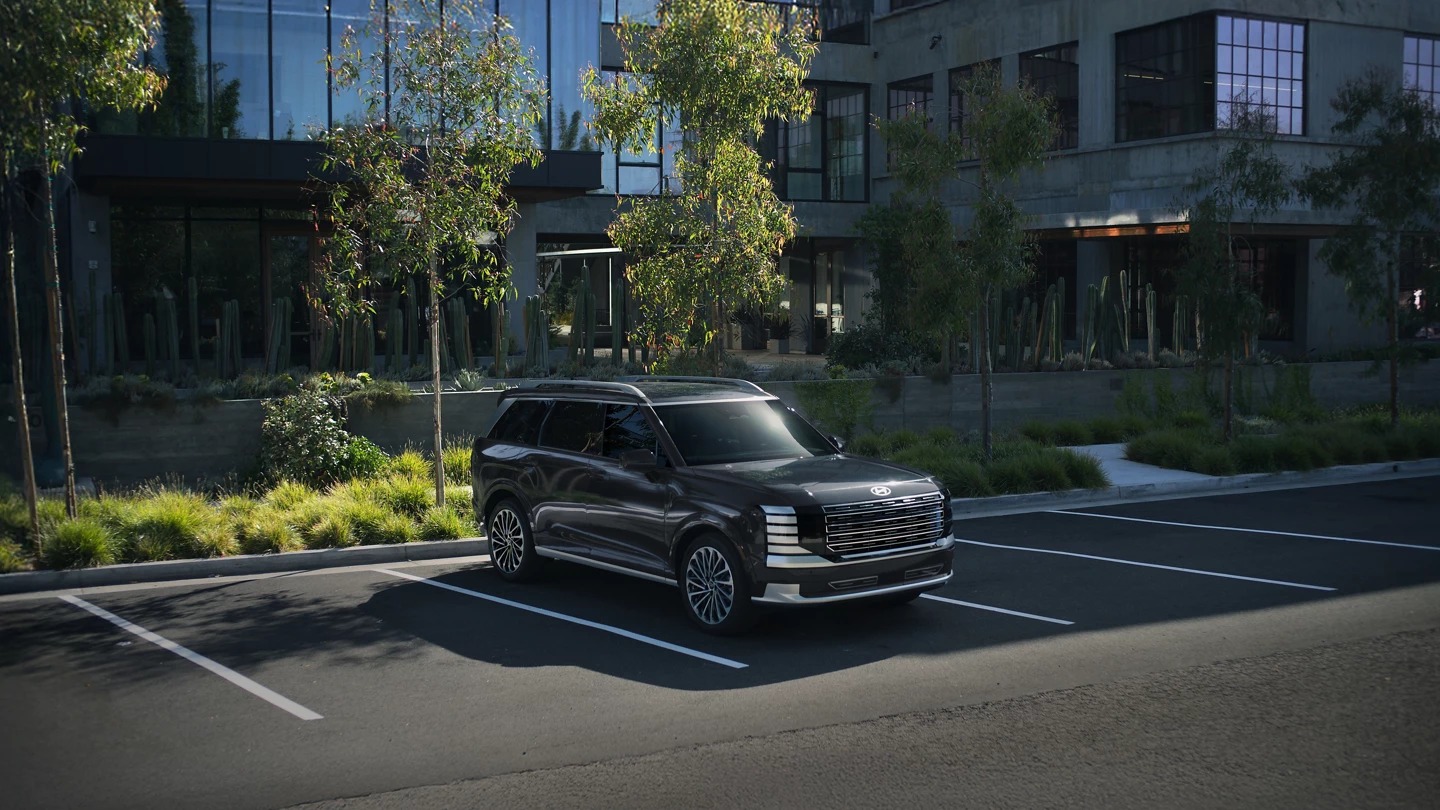
Some of the most valuable SmartSense features work after you’ve stopped:
- Safe Exit Assist warns of traffic approaching from behind when you’re parked and can keep the child locks from disengaging while a vehicle approaches. Safe Exit Warning gives the driver a similar alert.
- Rear Occupant Alert shows a reminder in the cluster to check the back seat after you turn off the engine.
- Advanced Rear Occupant Alert uses an overhead sensor to detect movement in the back seat, then sounds the horn, flashes the lights, and can send a Bluelink alert to your phone.
- Surround View Monitor stitches camera views into a 360-degree overhead image for tight spaces.
- Remote Smart Parking Assist can pull the vehicle into or out of a space while you stand outside, using the Smart Key.
Rear Occupant Alert and Safe Exit Assist are worth asking about by name if you carry children or pets, because they cover the moments right after you park. The Bluelink alert requires an active Bluelink account, which you can learn about on our Bluelink connected services page.
Frequently Asked Questions
What is Hyundai SmartSense?
Hyundai SmartSense is the brand’s suite of driver assistance and safety features. It uses cameras, radar, and sensors to help with collision avoidance, lane keeping, highway driving, and parking.
Does every Hyundai have SmartSense?
SmartSense features appear across the Hyundai lineup, but the exact list varies by model and trim. Hyundai labels many features as available on select vehicles, so check the trim details before you buy.
What is the difference between Lane Keeping Assist and Lane Following Assist?
Lane Keeping Assist warns you and may steer you back if you drift out of your lane. Lane Following Assist actively helps keep the vehicle centered in the lane.
Can Hyundai SmartSense brake for me?
Yes, in certain situations. Forward Collision-Avoidance Assist may apply the brakes if it detects a likely collision with a vehicle or pedestrian, and reverse and cross-traffic systems may brake when you back up.
Can I try Hyundai SmartSense features before I buy?
Yes. Visit Watson Family Hyundai at 8101 W 159th St in Tinley Park or call 708-726-4119, and we’ll match you with a model that has the features you want and show you how they work.
Hyundai SmartSense works best when you know what each chime and nudge means. Learn the collision warnings, try Highway Driving Assist on a familiar stretch of road, and give the parking features a run in your own driveway. Whether you’re coming from Orland Park, Frankfort, or Joliet, one focused test drive answers most questions. When you’re ready, browse new Hyundai models and we’ll help you find the right mix of safety features for your family.

0 comment(s) so far on Hyundai SmartSense Explained: What Each Safety Feature Does